For most users, the Logitech C920s is the best value: reliable, excellent image quality, privacy shutter included. Those who work in low light or present frequently should upgrade to the Logitech MX Brio. Budget buyers will be happy with the NexiGo HelloCam.
Our recommendations are editorially curated — we research specs, reviews, and real user feedback so you don’t have to.
Some links on this page are affiliate links. If you buy through them, we may earn a small commission at no extra cost to you.
This never influences our recommendations.
Price checked 04/2026
Price checked 04/2026
Price checked 04/2026
Price checked 04/2026
Price checked 04/2026
Your laptop’s built-in camera was never designed for professional video calls. It sits too low, shows double chin and ceiling tiles, and delivers a grainy image in low light. That’s not a hardware failure — it’s a design compromise.
An external webcam in the $70 to $200 range fixes this immediately and permanently. Sharper image, better microphone, eye level instead of looking up.
We reviewed current tests from Tom’s Guide, PCMag, and Wirecutter, and compiled the five best webcams for home office use in 2026 — with a clear recommendation for every type and every budget.
For most home office users, the Logitech C920s (~$70) is the right choice — Full HD, reliable, built-in privacy shutter, works out of the box.
Premium without compromise: Logitech MX Brio (~$200) with AI light correction, 4K, and integrated privacy shutter.
The 5 Best Home Office Webcams for 2026 at a Glance
| Model | Category | Resolution | Price |
|---|---|---|---|
| Logitech C920s | The All-Rounder | 1080p / 30fps | ~$69.99 |
| NexiGo HelloCam | The Budget Pick | 1080p / 30fps | ~$69.99 |
| OBSBOT Meet 2 | The Smart Choice | 4K / AI Track | ~$129 |
| Logitech Brio 4K | The Safe Bet | 4K / 30fps | ~$129 |
| Logitech MX Brio | The Upgrade | 4K / AI Light | ~$199.99 |
The Models in Detail
Logitech C920s — The All-Rounder
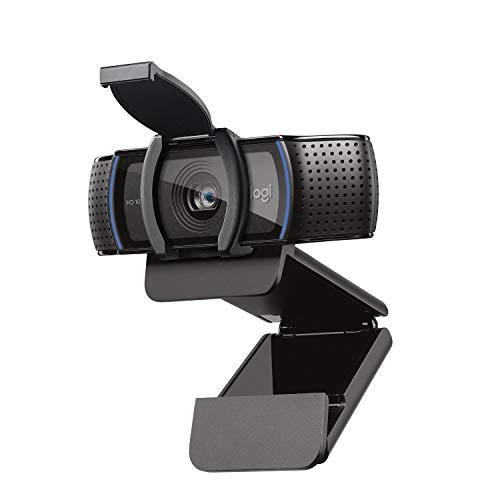
Who it’s for: anyone who wants a reliable solution without overthinking it
The C920s has been one of the best-selling home office webcams for years — and for good reason. Full HD at 1080p, two built-in stereo microphones with noise reduction, fast autofocus. Plug in, done, works — with Zoom, Teams, Google Meet, and Skype without any driver installation.
The “s” stands for one concrete advantage: a physical privacy shutter that clips directly in front of the lens. Camera off, shutter closed — done. No tape, no flipping it over. For anyone who doesn’t keep their webcam in view when not on a call, that’s real peace of mind.
Tom’s Guide calls it a reliable classic, and over 20,000 Amazon customers give it 4.4 out of 5 stars. For most home office users, it’s the right choice — no ifs, no buts.
One thing to consider: If you regularly video call in very dark rooms in the evening, the Brio 4K will squeeze out more image quality in low light. For everyone else, the C920s is unbeatable at this price point.
NexiGo HelloCam — The Budget Pick
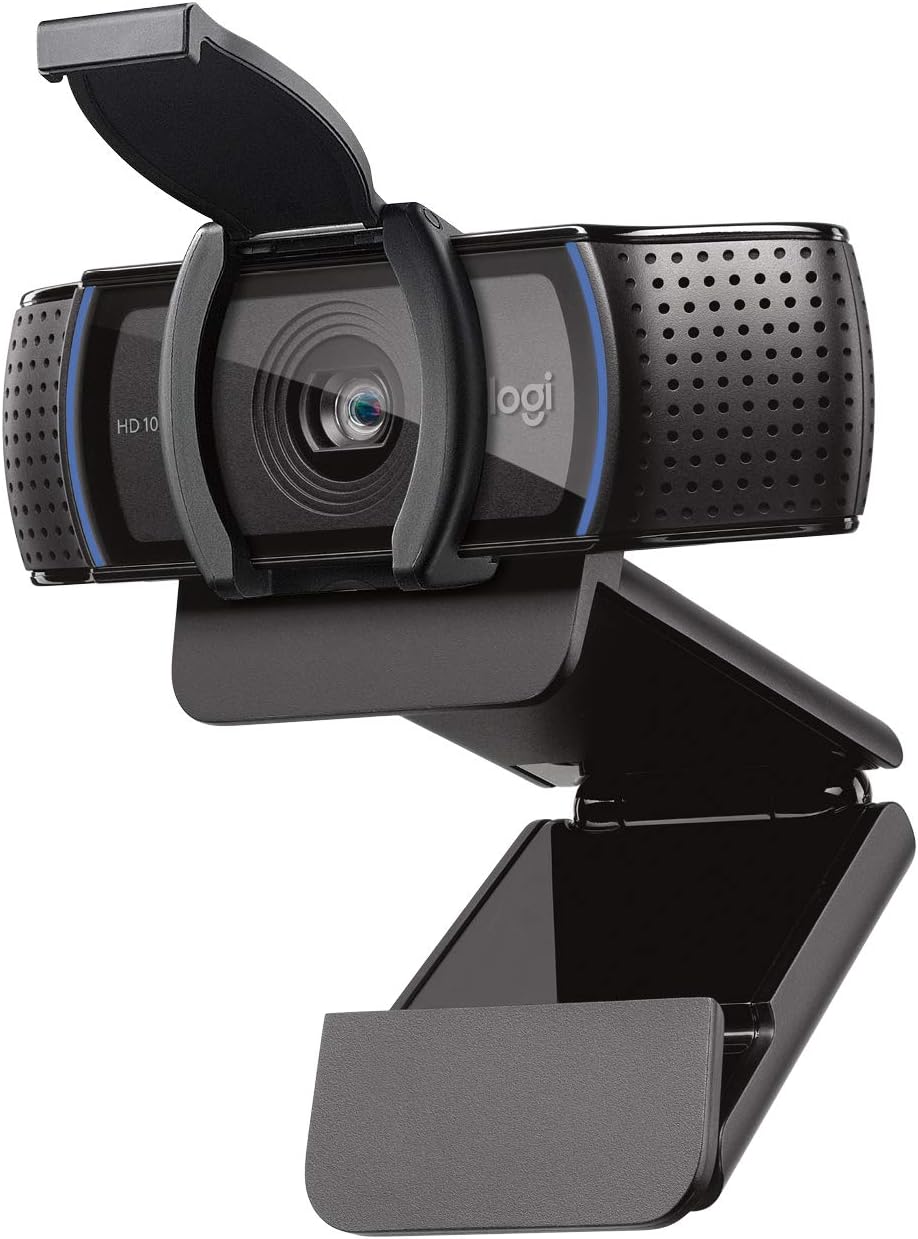
Who it’s for: those who want to stay under $75 and need solid quality
The NexiGo HelloCam delivers honest 1080p for the price — dual microphone, plug-and-play, universal mount for monitor and laptop. For regular daytime calls at a normal home office desk, it does a convincing job.
What makes it especially attractive: combined with a budget desk lamp — which every home office setup should have anyway — it delivers decent results even in lower light. A smart entry point without a big investment.
Bonus for Windows users: the HelloCam supports Windows Hello facial recognition for hands-free login — a feature that few cameras in this price range offer.
One thing to consider: If you frequently work in changing light conditions or need HDR light correction, the C920s or Brio 4K will serve you better. For a simple, affordable first webcam, the NexiGo HelloCam is a solid choice.
OBSBOT Meet 2 — The Smart Choice
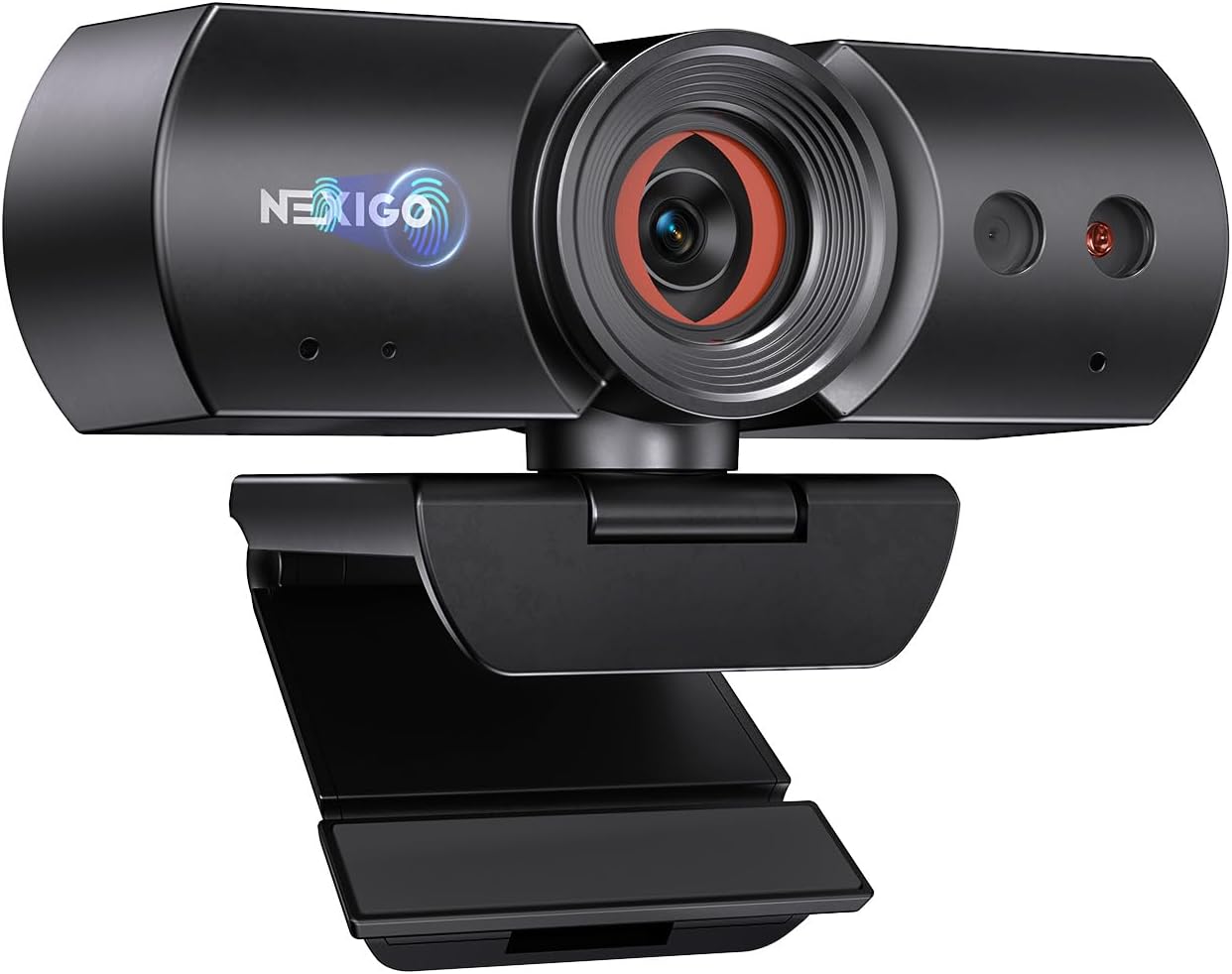
Who it’s for: those who move around while working or present frequently
The OBSBOT Meet 2 is the surprise of this comparison. For around $129, you get 4K resolution plus AI-powered auto-framing — the camera recognizes your face and keeps you in frame automatically, even when you stand up or move around. HDR compensates for backlight, and the 86-degree field of view works for individuals and small groups.
Practical extra: gesture control is built in. Show your palm to start tracking, flash a victory sign to activate zoom — useful when you don’t have time to adjust settings mid-call.
PCMag and Tom’s Guide both praised its combination of 4K quality and intelligent tracking at this price point — features previously only found in much more expensive cameras.
One thing to consider: No built-in privacy shutter. The camera can be fully disabled via software — sufficient for most. If you sit still at your desk all day and don’t need AI features, the Brio 4K offers a slightly more rounded package at a similar price.
Logitech Brio 4K — The Safe Bet
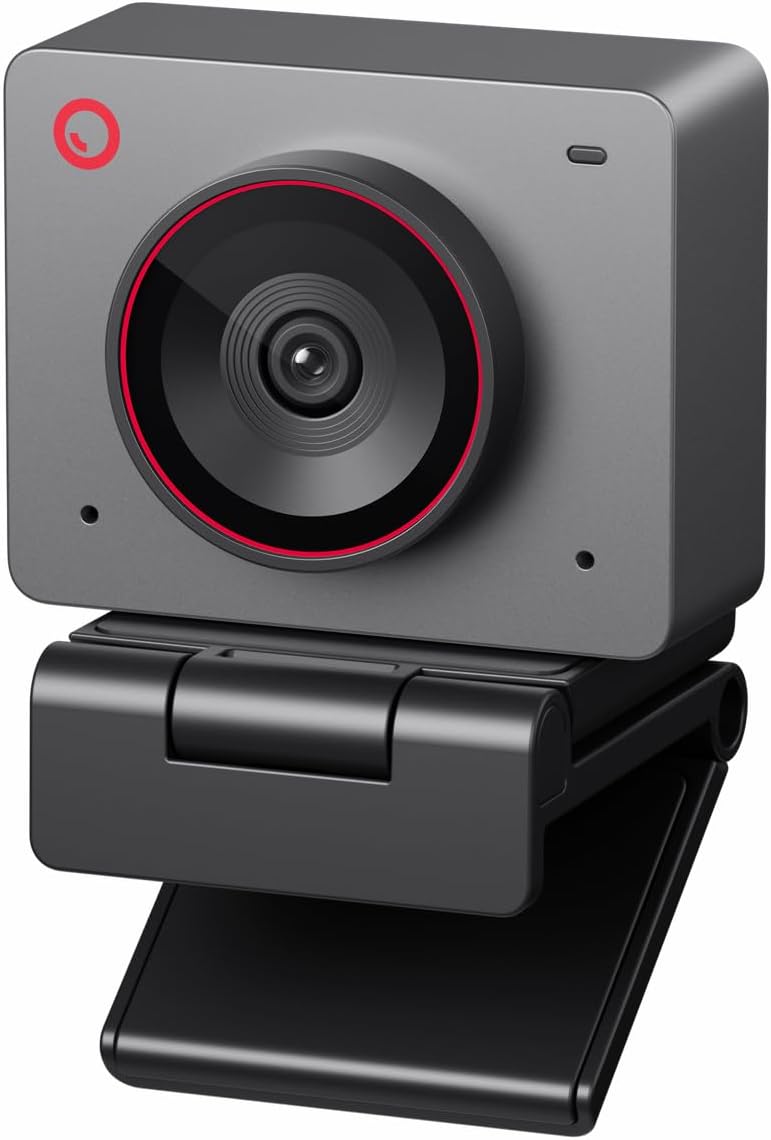
Who it’s for: those who want years of proven quality
The Logitech Brio 4K has consistently ranked among the top webcams in reviews for years — and for good reason. 4K at 30fps, Full HD at 60fps, RightLight 3 for automatic exposure correction, two stereo microphones with noise reduction. Wirecutter has named it a top pick and PCMag awarded it an Editor’s Choice.
What sets it apart from cheaper models: RightLight 3 delivers a clean, natural image even in backlight or poor lighting. If you work in the evening, sit in a dark room, or have a window behind you — you’ll notice the difference immediately.
The 90-degree field of view can be narrowed to 65 degrees via software — practical if you don’t want to show your entire room.
One thing to consider: No built-in privacy shutter. Logitech offers a matching original cover, or you can find third-party options for around $5 on Amazon. If you also need AI tracking or Show Mode for presentations, those features are on the MX Brio.
Logitech MX Brio — The Upgrade
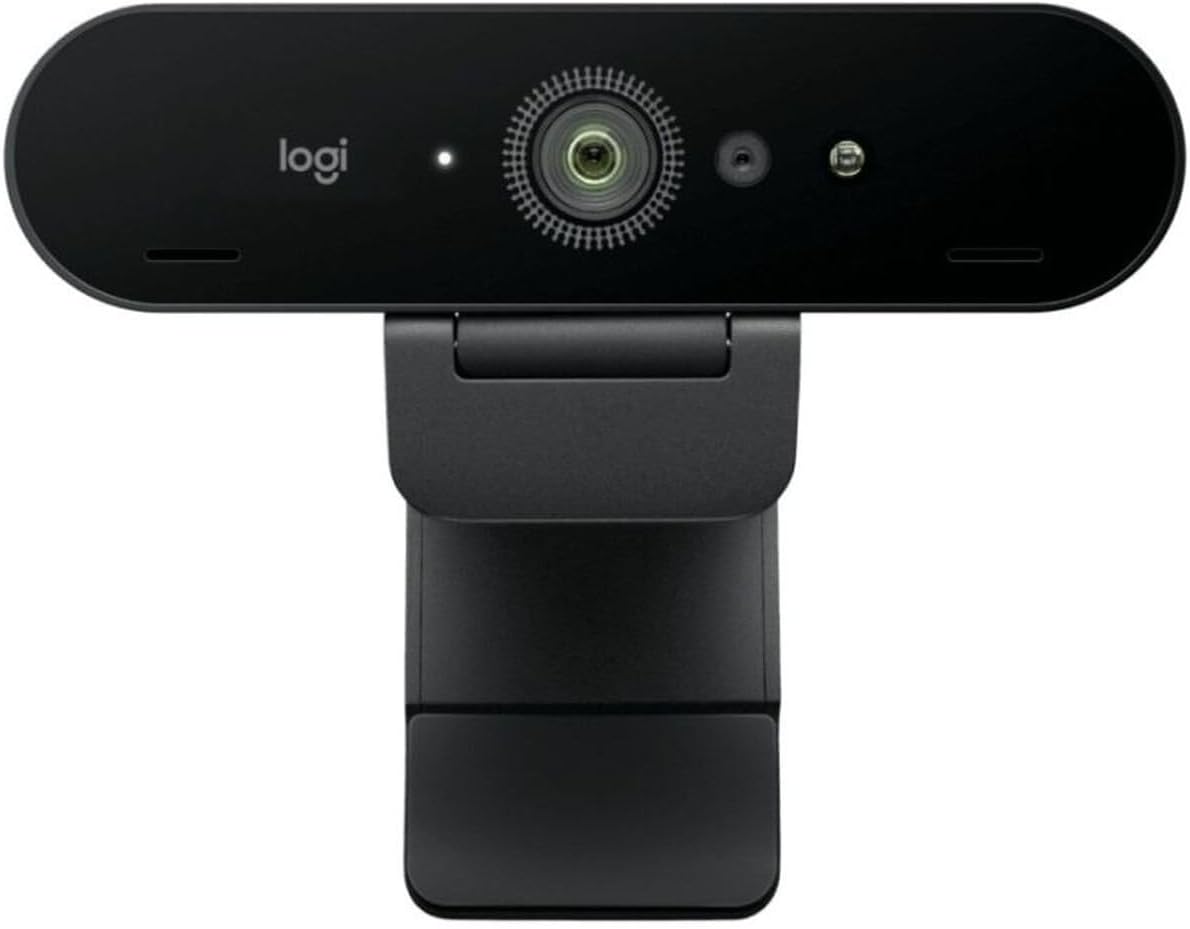
Who it’s for: professionals who are in meetings daily and want to look their best
The MX Brio is Logitech’s current flagship — and it shows. 4K with AI-powered light correction, automatic face recognition, fine-tunable software for exposure, white balance, and background blur. Show Mode tilts the camera down to show your desk — ideal for presentations or when you want to show documents to others.
Like the C920s, a physical privacy shutter is built in — with a fingertip you can cover the lens instantly, no accessories needed. USB-C connectivity and compatibility with all major platforms make it a seamless upgrade for any setup.
Tom’s Guide named it the best all-around 4K webcam in their 2026 roundup. If you sit in video calls for several hours a day, you’ll notice the difference — sharper image, more natural colors, less manual adjustment.
One thing to consider: For occasional calls twice a week, the MX Brio is more than necessary — the C920s handles that just as well for less money. But if you need to look professional every day, this is exactly the right investment.
Which Webcam Is Right for You?
Three questions — one answer:
You just want to look better on calls and don’t want to overthink it?
→ Logitech C920s. Buy it, plug it in, done.
You have a budget under $75 and call during the day in a well-lit room?
→ NexiGo HelloCam. Solid quality for the price, no frills.
You move around while working, stand up, or present frequently?
→ OBSBOT Meet 2. The AI keeps you automatically in frame.
You work in the evenings or in a poorly lit room?
→ Logitech Brio 4K. RightLight 3 makes the difference exactly where other cameras give up.
You’re in video calls for hours every day and want the best?
→ Logitech MX Brio. No compromise, maximum quality, done.
Frequently Asked Questions
Is 1080p enough for Zoom and Teams?
Yes — for normal home office users, completely sufficient. Zoom and Teams transmit in 720p by default, even if your camera can do 4K. 4K mainly matters in low light and for image sharpness on larger monitors. Those who sit in meetings daily will notice the difference. Those who have a quick call twice a week don’t need it.
Do I need a separate microphone?
For normal video calls at home — no. All five models have built-in microphones with noise reduction that are sufficient for calls with colleagues and clients. If you record podcasts, stream, or need the highest audio quality, a separate USB microphone is worth it. For the typical home office user, it’s not an issue.
Does the webcam work on a Mac?
Yes — all five models are plug-and-play compatible with Windows, macOS, and ChromeOS. No driver needed, just plug in and go. All models are also certified for Microsoft Teams and Zoom.
Can I add a privacy cover later?
The Logitech C920s and MX Brio already have a built-in shutter — no add-on needed. For the NexiGo HelloCam (which has an automatic electronic shutter), OBSBOT Meet 2, and Brio 4K, no physical shutter is built in. Compatible add-on covers are available on Amazon for $5 to $10.
How do I mount the webcam on my monitor?
All five models have a universal clip that fits most monitor and laptop screens. They also have a standard tripod mount for those who want to position the camera on a separate stand or monitor arm.
Useful Accessories
Upgrade your entire setup at once:
USB Microphone for Better Audio — worth it if you have long calls frequently or if the built-in microphone quality isn’t enough.
→ USB Microphone on Amazon (~$80)
Webcam Privacy Cover — for models without a built-in shutter, $5–10.
→ Privacy Cover on Amazon
Desk Lamp with Ring Light — instantly improves the image of any webcam, especially in the evening.
→ Elgato Key Light Mini on Amazon (~$65)
Conclusion
An external webcam is one of the cheapest upgrades for your home office — and one of the most impactful. Better image, better audio, better first impression in every call.
For most people, the Logitech C920s is the right starting point. Those who want more will be well served by the Brio 4K or the MX Brio.
Check all current prices and availability directly on Amazon:
- Logitech C920s on Amazon
- NexiGo HelloCam on Amazon
- OBSBOT Meet 2 on Amazon
- Logitech Brio 4K on Amazon
- Logitech MX Brio on Amazon
Some product links on this page are affiliate links to Amazon.com. If you purchase through our links, we receive a small commission at no extra cost to you. Products are selected based solely on editorial criteria. Prices last checked: April 2026.